


Description
Download Gruml – Desktop RSS Reader for Mac, Free, Secure & Sync
Overview of Gruml
Gruml is a lightweight desktop client that brings your Google Reader experience directly onto macOS. Designed for users who love the simplicity of Google Reader but prefer a native Mac Cocoa interface, Gruml lets you browse, tag, and organise RSS feeds without opening a browser window. The application stays in perfect sync with your Google Reader account, so any changes you make—whether adding a new subscription, moving a feed into a folder, or marking an article as read—are instantly reflected across all devices that use Google Reader. Gruml’s menu‑bar icon shows the count of unread items at a glance, while its main window offers a spacious reading pane, easy navigation, and a familiar Mac look and feel. Although Gruml is still in beta, its design philosophy focuses on stability, speed, and a clutter‑free environment that lets you focus on the content that matters. If you’re a Mac power user who wants a dedicated RSS tool that works offline, integrates with Google Reader, and eliminates the need for a full‑blown browser, Gruml could be the perfect solution.
Key Features that Make Gruml Stand Out
- Native macOS Interface: Built with Cocoa, Gruml feels like a true Mac app, offering smooth animations, retina support, and a menu‑bar indicator for unread items.
- Full Google Reader Sync: Every subscription, folder, tag, and read/unread status is mirrored in real time with your Google Reader account.
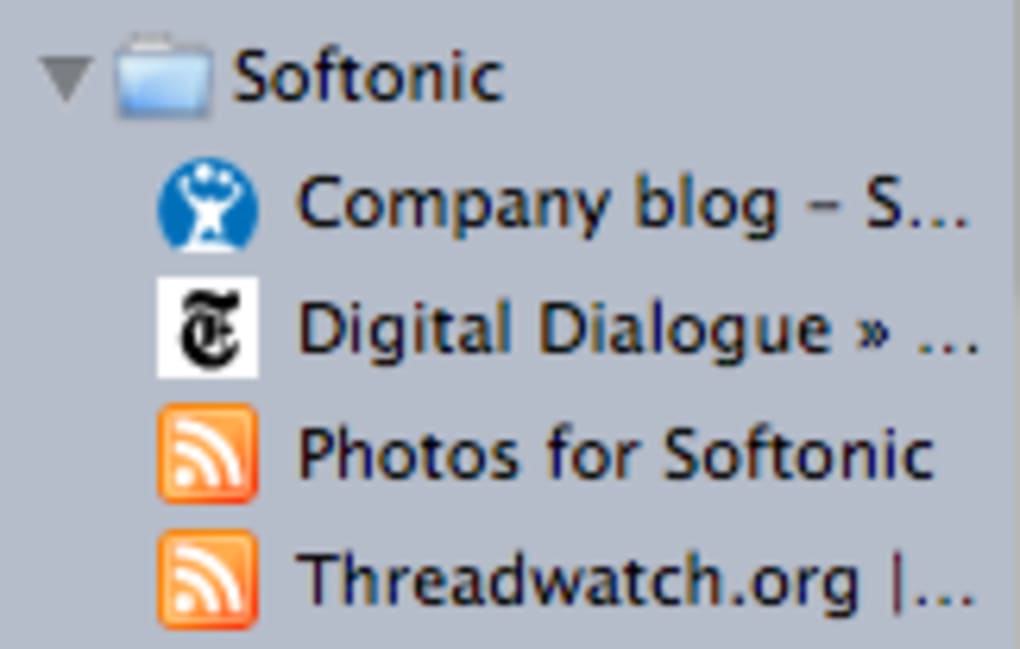
- Folder‑Based Organisation: Group feeds into custom folders; expanding a folder reveals individual feeds with their favicons for quick identification.
- Tagging System: Apply multiple tags to articles, enabling powerful filtering and retrieval across your entire collection.
- Offline Reading Mode: Download articles for offline access, so you can stay productive without an internet connection.
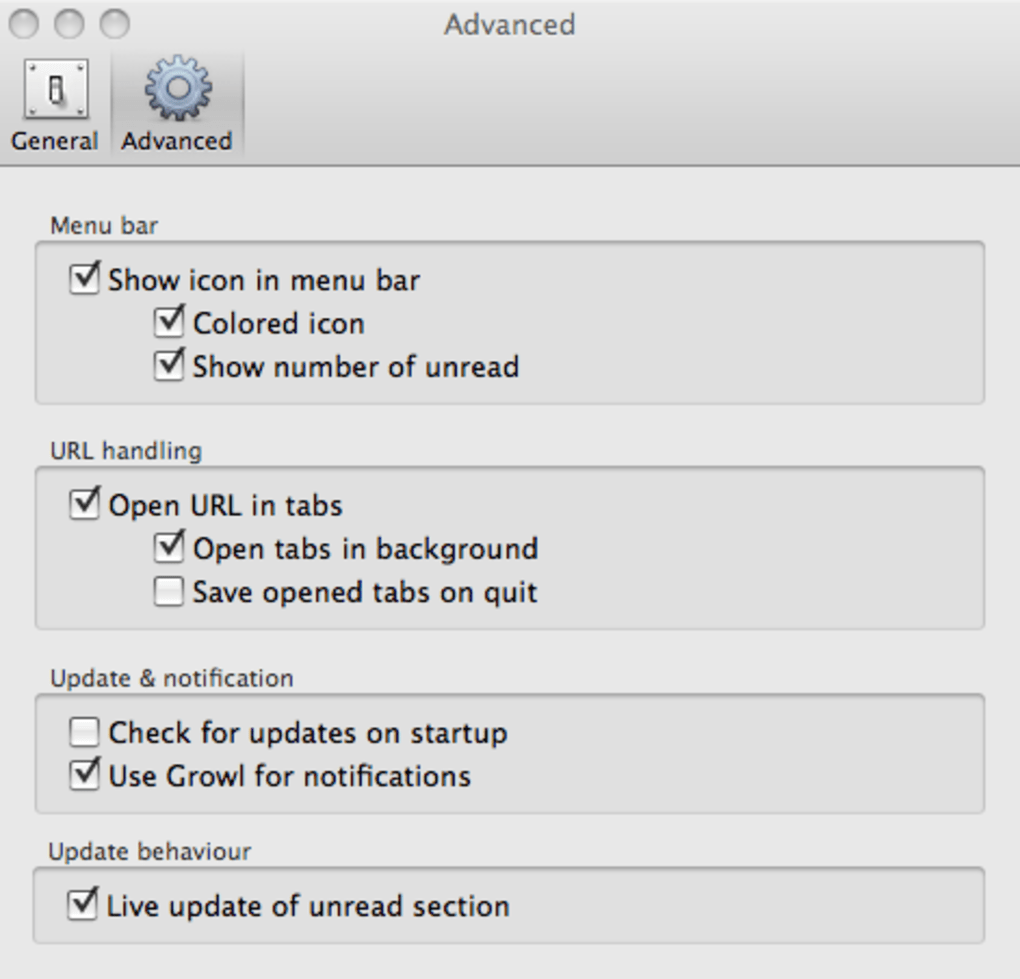
- Customisable Refresh Intervals: Choose how often Gruml polls Google Reader for new items, balancing freshness with bandwidth usage.
- Keyboard Shortcuts: Navigate between feeds, mark articles as read, and open links using intuitive shortcuts, speeding up your workflow.
- Lightweight & Secure: No embedded browsers, reducing the attack surface and memory footprint compared to full‑featured web clients.
Each of these features is crafted to reduce the friction of managing dozens—or even hundreds—of RSS sources. By keeping the UI minimal yet powerful, Gruml lets you focus on reading rather than on configuring the tool. The integration with Google Reader ensures that you never lose a subscription, and the offline mode guarantees that your favourite articles are always within reach.
Installation, Usage Instructions & Compatibility
Step‑by‑Step Installation
Getting Gruml up and running on your Mac is straightforward:
- Visit the official Gruml download page and click the Download for macOS button.
- Once the
.dmgfile is downloaded, double‑click it to open the installer. - Drag the Gruml icon into your
Applicationsfolder. - Launch Gruml from
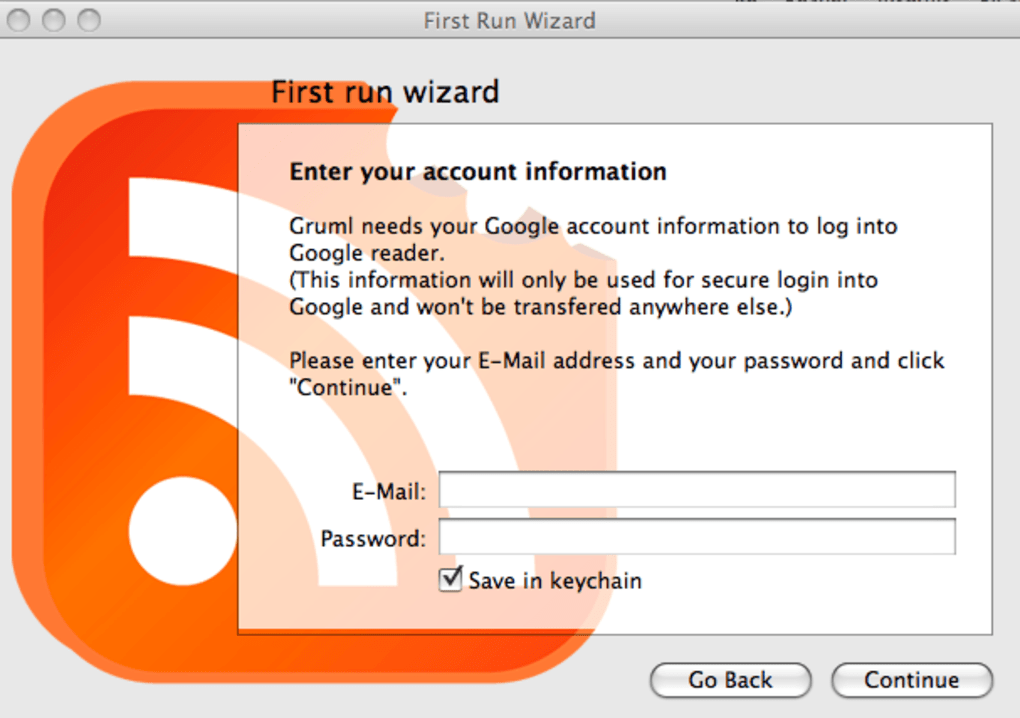
/Applicationsor via Spotlight. The first launch will prompt you to sign in with your Google account. - Enter your Google Reader credentials; Gruml will securely fetch your feed list and store a local cache for quick access.
First‑Time Setup & Daily Use
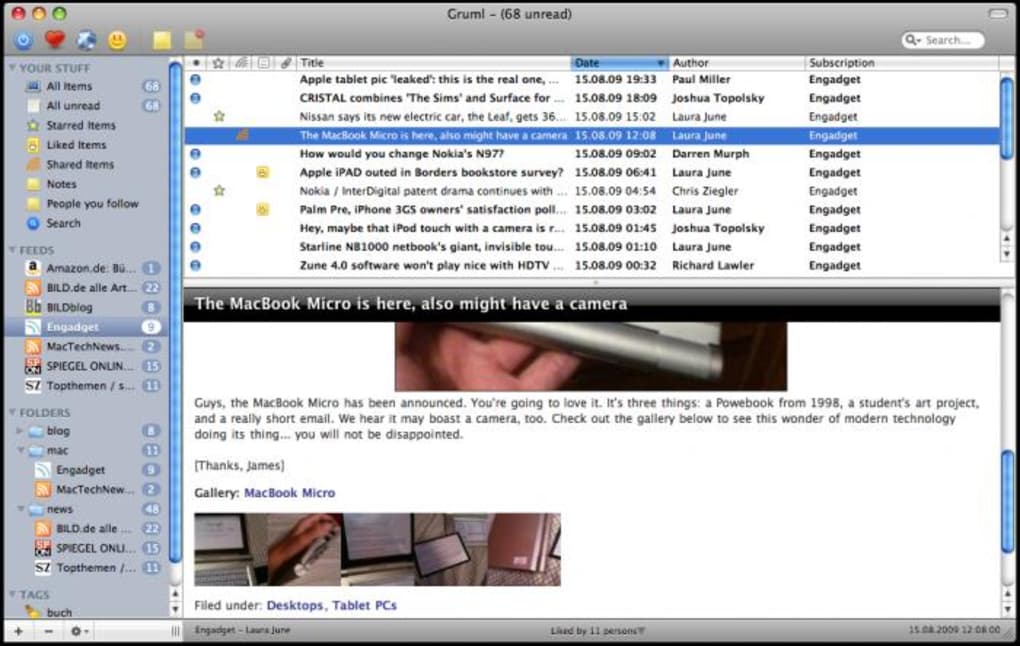
After signing in, Gruml presents a split‑view interface: the left pane displays your folder hierarchy, while the right pane shows the selected feed’s articles. Clicking an article opens it in the integrated reading pane, where you can scroll, share, or tag the content. To add a new subscription, use the + Add Feed button at the top of the left pane, paste the RSS URL, and assign it to a folder. Gruml automatically updates the unread count in the menu bar, allowing you to glance at new content without opening the full application.
Compatibility Details
Gruml is compatible with macOS 10.12 (Sierra) and later, including macOS Ventura and the upcoming macOS Sonoma releases. The app runs natively on Intel and Apple Silicon (M1/M2) Macs, thanks to universal binaries compiled for both architectures. While Gruml currently focuses on macOS, its underlying sync engine is built on the Google Reader API, which means a Windows or Linux port could be possible in future releases, though no official versions exist today.
System requirements are modest: a minimum of 200 MB of free disk space, 512 MB RAM, and an active internet connection for initial sync. Once your feeds are cached, you can use Gruml offline, making it ideal for travel or limited‑bandwidth environments.
Pros, Cons & Frequently Asked Questions
Pros & Cons
- Pros:
- Native macOS feel with menu‑bar integration.
- Real‑time synchronization with Google Reader.
- Robust folder and tagging system.
- Offline reading capability.
- Lightweight and low memory usage.
- Cons:
- Still in beta; occasional crashes reported.
- Limited to macOS – no official Windows or Android version.
- Relies on the now‑deprecated Google Reader API (works only while the API remains functional).
- No built‑in search across all articles.
FAQ – Your Questions Answered
Is Gruml free to use?
Yes, Gruml is offered as a free download. There are no hidden fees, and the core functionality—including syncing with Google Reader—is completely free.
Can I import feeds from other RSS readers?
Gruml imports only the feeds stored in your Google Reader account. To bring feeds from other services, first export them as an OPML file and then import that file into Google Reader; Gruml will sync them automatically.
What happens if Google Reader is discontinued?
Gruml’s architecture is tightly coupled to the Google Reader API. If the service is shut down, Gruml would lose its primary sync source. The developer has indicated plans to add support for alternative RSS services in future updates.
Does Gruml support multiple Google accounts?
Currently Gruml allows only a single Google Reader account at a time. Switching accounts requires signing out and signing in with the new credentials.
How can I report bugs or request features?
The developer maintains a public issue tracker on GitHub. Users can submit bug reports, feature requests, or even contribute code directly through the repository.
Review Summary
Gruml delivers a polished, native experience for macOS users who rely on Google Reader. While the beta status introduces occasional stability hiccups, the app’s seamless sync, powerful tagging, and offline capabilities make it a compelling alternative to browser‑based RSS consumption.
Conclusion & Call to Action
Overall, Gruml fills a niche that many Mac enthusiasts have long desired: a dedicated, secure desktop client that mirrors the simplicity of Google Reader while leveraging the elegance of macOS. Its feature set—folders, tags, offline caching, and a menu‑bar unread counter—covers the essential needs of power users, and the free pricing model removes any barrier to entry. Although the beta label hints at potential crashes, the active development community and transparent issue tracker suggest rapid improvements are on the horizon.
If you spend a significant amount of time reading RSS feeds and want to keep your browsing sessions lightweight, download Gruml today and experience a more focused, native way to stay updated. Click the button below to get the latest version, and enjoy a smoother, more organized reading routine on your Mac.
Guides & Tutorials for Gruml
How to install Gruml
- Click the Preview / Download button above.
- Once redirected, accept the terms and click Install.
- Wait for the Gruml download to finish on your device.
How to use Gruml
This software is primarily used for its core features described above. Open the app after installation to explore its capabilities.
User Reviews for Gruml 0
No reviews found





.webp)